Streamline Your Marketing with SmartMark AI
Blogs, Ads, Emails, Forms & Analytics - All Powered by Artificial Intelligence
Your AI Marketing
Content Assistant
Leverage advanced AI to create persuasive ad copy, professional forms, engaging blog posts, and email campaigns. I created SmartMark AI to solve my own content creation challenges—now you can benefit from the same powerful tool.


SmartMark AI

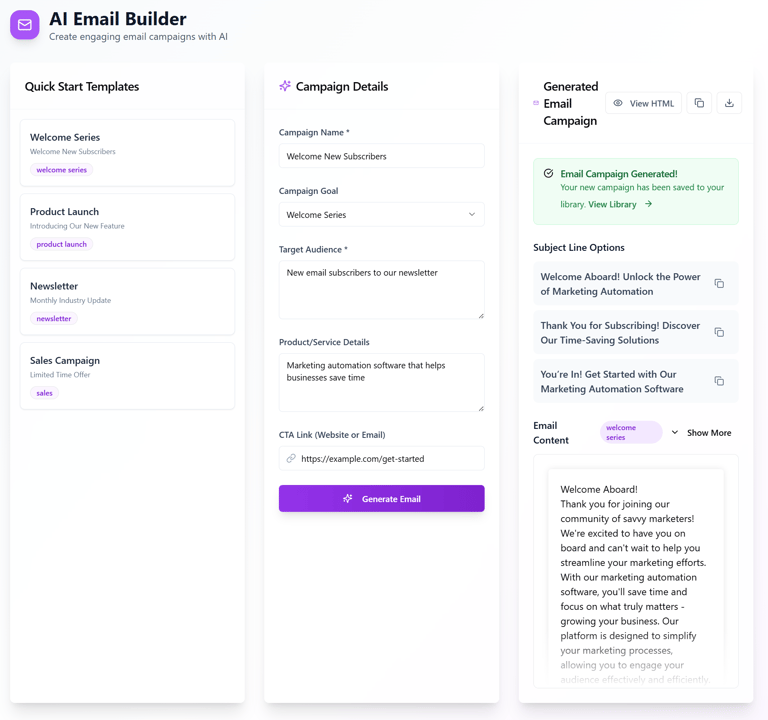
Email Builder
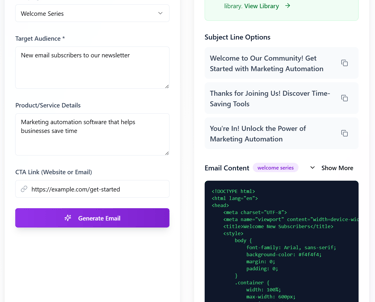
Build email campaigns in minutes with our intuitive editor. Export your content as copy-paste text or HTML code for seamless integration with any email platform.
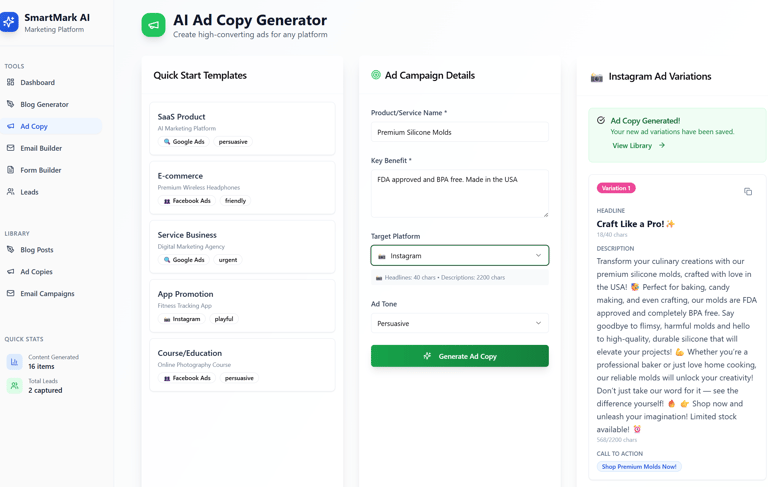
Ad Copy Generator
Transform any idea into polished, conversion-ready ad copy in seconds. The AI analyzes tone, audience, and value propositions to deliver messaging that sells without the guesswork. Perfect for social ads, product launches, and fast creative testing. Your photo can visually represent speed, clarity, or standout headlines to show how quickly great copy takes shape.
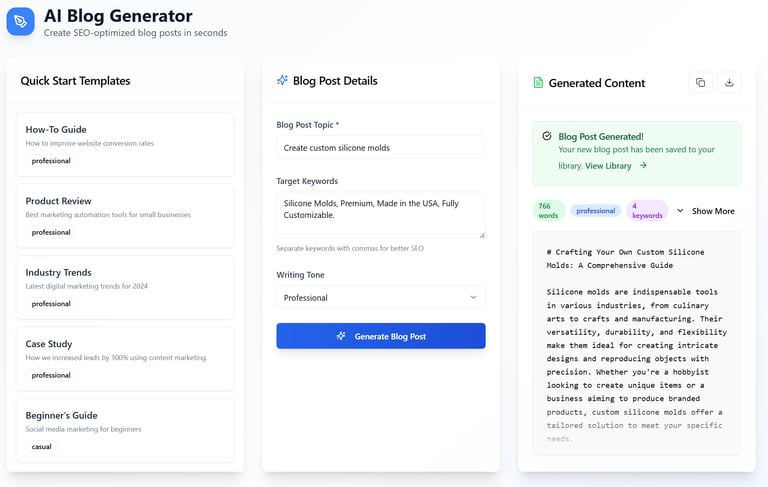
Blog Writer
Scale your content pipeline with long-form, SEO-aligned blog articles generated instantly. The engine crafts outlines, drafts, and fully refined posts that match your voice while improving readability and search performance. Use the photo to illustrate research, writing flow, or a clean workspace that signals thoughtful content creation.
Form Builder
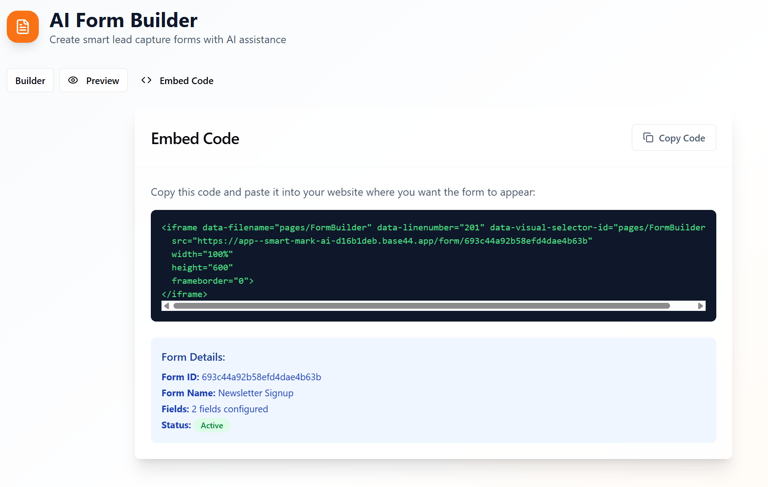
Create smart, dynamic forms powered by AI logic. Build lead forms, surveys, onboarding flows, and custom data captures in minutes. The system handles structure, field optimization, and user-friendly design so you collect the right information with minimal friction. Your photo can show form layouts, UI elements, or streamlined data collection.
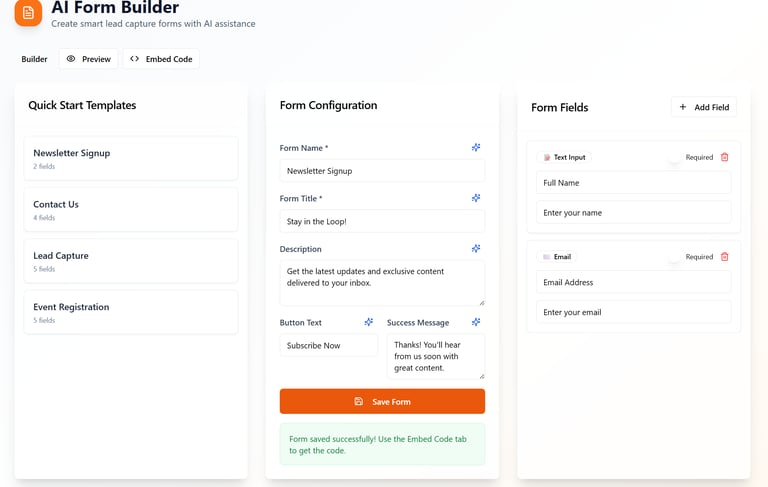
Copy & Paste the Code
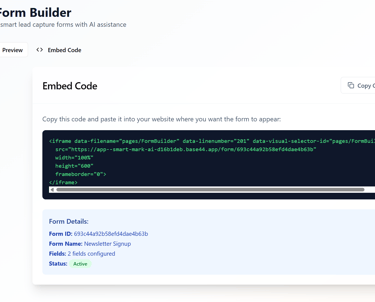
Design fully custom forms with an intuitive visual editor, then export clean, ready-to-use code with one click. The builder generates both the on-screen layout and the underlying HTML, CSS, or React components so you can drop the form directly into your site. Adjust fields, styling, and logic in the visual interface, and once you're satisfied, simply copy and paste the code into your existing project. The photo can highlight the side-by-side experience: a live form preview paired with its generated source code.